Single intranet with permission by area: one door to the company's context
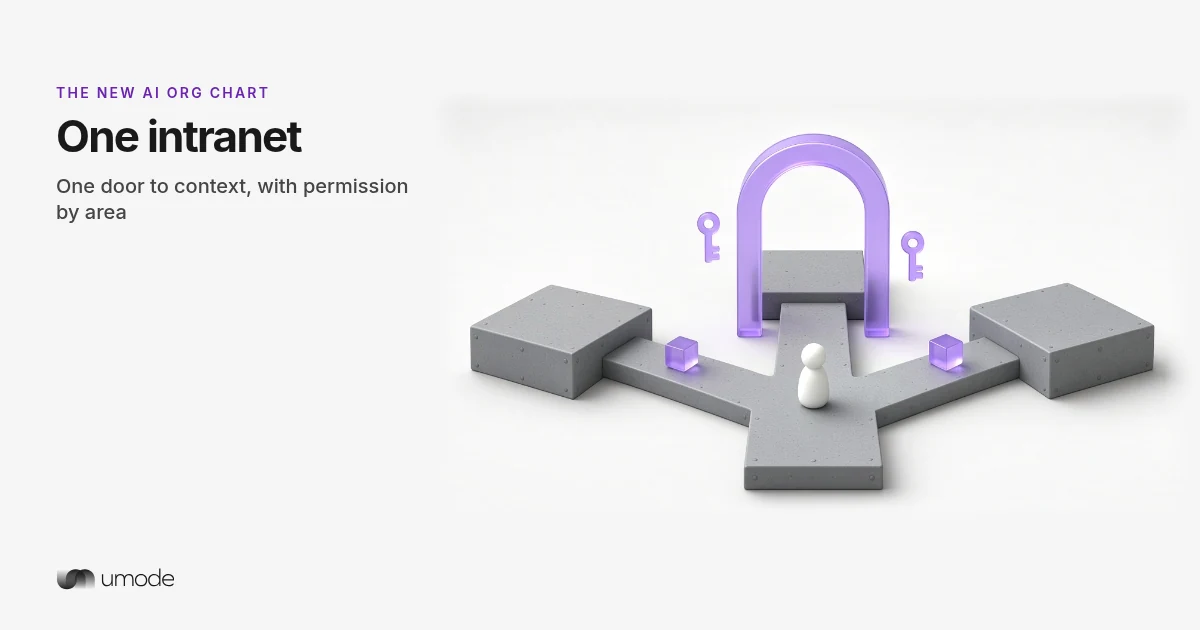
An AI intranet, single and with permission by area, is one door to what the company knows, where each person sees what their area and role allow.
In short:
- A single door keeps the AI from answering with half the context.
- Permission follows the layers of knowledge: what holds for everyone, what holds for the area, what holds for the project.
- The agent triggered through the intranet inherits the limit of whoever triggered it.
- The official record stays in the area's system; the intranet gathers the context and points to the record.
Can you say, off the top of your head, how many places hold what your company knows? The list does not stop: the product drive, the sales messaging group, finance's spreadsheet, the personal folder of the designer who already left. An AI that reads only one of those places answers with the confidence of someone who read them all.
This text is part of the guide The new AI org chart: the layered structure that supports people, agents and areas.
Why one intranet, and not one per area?
Because work crosses areas and the context needs to cross with it. The collection depends on a decision from sales, a purchasing rule and a production deadline. If each area has its own door, the AI helping product does not see the purchasing rule, and the person becomes a messenger between systems.
The natural objection is the fear of mixing. If everything is together, will the intern not see the margin? The answer is in the second half of the name: one door, with permission by area. Joining the access does not mean opening the content. Each layer keeps its own rule on who reads and who edits, as the text on Brains by area describes.
The entry on context and information governance goes deeper into why fragmentation costs more than it seems.
How does permission by area work?
Each person sees the sum of the layers they belong to: the company's, the area's and those of the projects they work on. Permission is defined by layer, not by document, which keeps the rule manageable.
| Person | Company layer | Area layer | Project layer |
|---|---|---|---|
| Pattern maker | Reads | Reads and edits the product one | Reads and edits the one for the collection they work on |
| Buyer | Reads | Reads and edits the purchasing one; reads the approved product tech pack, not the draft | Reads the one for the collection she supplies |
| Financial analyst | Reads | Reads and edits the finance one | Does not take part |
| Agent triggered by any of them | The same as the person | The same as the person | The same as the person |
The last row is the one that matters most. The agent has no access of its own; it acts with the permission of whoever asked. The text on security by design in AI agents explains why this rule closes the most dangerous door, the one of the agent that can get more than the person who calls it.
Want to practice now? The Context Leader Track lessons are free, and a free account saves your progress. The course is in Portuguese. Create your free account.
How does the door rule work at a small scale?
The same logic holds for one person alone, and the case of Roberto, a fictional character, helps to see it.
Roberto sits on more than one company board and was afraid of leaking information from one to the other. Instead of not using AI, he wrote the rule: "The door has a rule. Customer and personal data do not leave." The fear of leaking became a criterion.
Then he asked for a single dashboard: "Join my boards into one dashboard: calendar, agenda, feedback and tasks. And ask me, one by one, for the deadline of whatever is missing." Meeting follow-ups started turning into tasks without him needing to copy anything. It is an intranet of one person, with the same rule as the last row of the table: the agent working for him inherits his limit.
What does the intranet show beyond documents?
It shows who is building. When the agents, routines and Brains of each area sit in the same place, it becomes visible who is moving ahead with AI and who needs support. What appears is the routine and the agent, not the person's conversation.
That visibility changes the manager's conversation. Instead of asking "are you using AI?", they see which routine the person built, which agent they maintain, which new rule went up to the area Brain. The question becomes "what did you do with this last week?", which is the gate the uMode track for teams (in Portuguese) uses to move someone up a step.
The guide AI maturity in fashion companies shows how to read that visibility area by area, without turning the dashboard into surveillance. Whoever follows this picture is whoever answers for the area's context, a role described in the Context Leader guide.
How do you bring the places together without stopping the company?
With an inventory before the migration, a table of five columns: place, real content, current owner, who should see it and destination. The pillar sums up the move in three verbs: list the places, join them in one space, give an owner and permission. The detail is the destination of each place.
How to do the inventory: open each place and look at what it actually holds before filling in. The destination has three exits: move to the intranet, link to the intranet without moving, or retire. Start with the area with the most repeated questions and move to the next only when the first one is standing.
Retiring is the most underrated destination. Many places hold an old version of what already exists elsewhere, and moving everything only changes the mess of address.
Illustrative scene, not a real case: in a brand's inventory, someone searches for "size chart" and finds several files. Some are identical, one is from an old collection, one is in inches for a reason nobody remembers. The most senior pattern maker looks at the list, points to the right one on the spot and says she always knew. Nobody had asked her.
What stays outside the intranet?
The official record and what should never circulate. The approved tech pack stays in PLM (product lifecycle management), the order stays in the ERP (enterprise resource planning); the intranet gathers the context and points to the record, without creating a copy that soon goes stale. The entry on the differences between ERP, PLM and PIM helps you know where each record lives.
And what stays out, always, is what the Brain page of the Context Leader Track lists as forbidden: passwords, bank data, contracts and customer data. The access structure, the integrations and the platform's security stay with IT, the information technology team.
Frequently asked questions
What is an AI intranet?
It is a single space where the company's knowledge, agents and routines live, consulted by the AI to answer and work. Each person sees what their area and role allow, and the agent inherits that same limit.
Why have a single intranet?
So the AI answers with the whole context without opening everything to everyone. The intern comes in through the same door as leadership, but does not see the collection margin, and the agent they trigger does not either.
How does permission by area work in an intranet?
By layer, not by document. A buyer edits the purchasing layer and only reads the approved product tech pack; when she changes area, the layer changes, without reviewing file by file.
Does the intranet replace the ERP and the PLM?
No. The official record, such as the approved tech pack or the order, stays in the area's system. The intranet gathers the context, explains the rule and points to the record, without duplicating it.
How do you start with the track?
Start with the free account on the Context Leader Track. It brings together free lessons and step-by-step exercises in Claude, and the account saves your progress. At the end of the track, you take your own diagnosis on the TLC yardstick. The course is in Portuguese. Create your free account at tlc.umode.tech.
Want to apply this to your operation?