10 AI Tools to Transform Your Product Looks
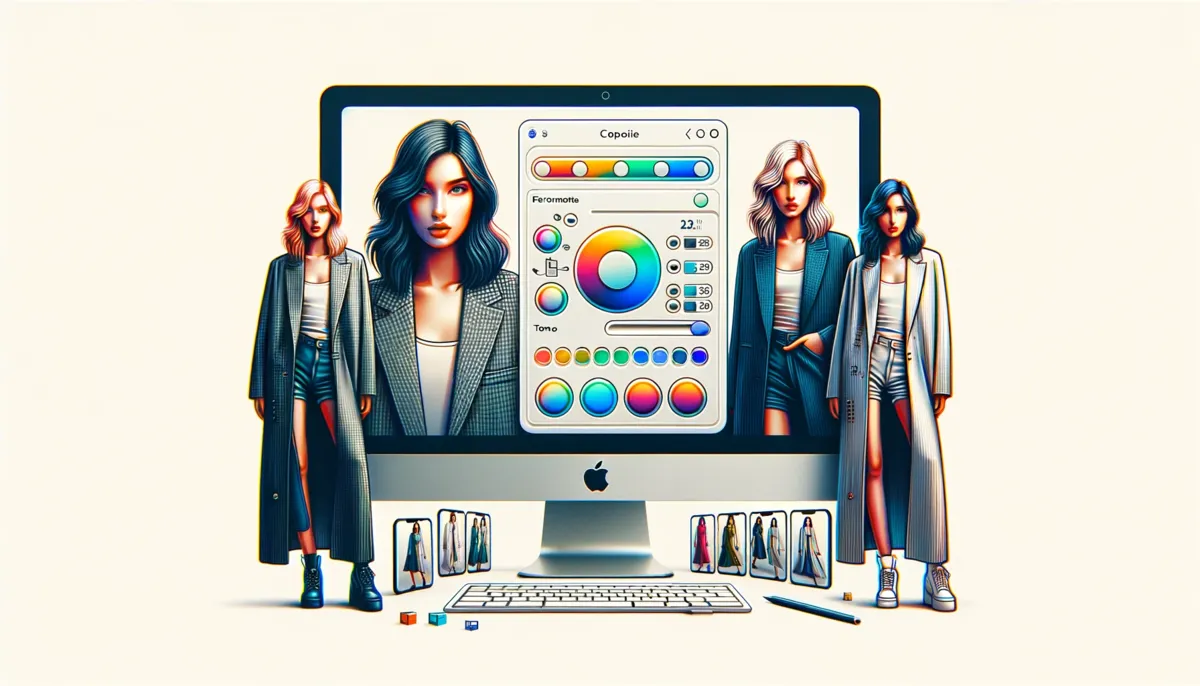
Capturing the essence of a collection through photography is a big challenge. It is the grand finale of months of effort, when the vision of the collection is finally translated.
However, what happens when the photos do not reflect the magic you imagined?
Problems with image quality, disagreements with the setting or challenges related to the models can arise, creating frustrating looks.
In the past, the options were limited: either you chose to cut the problematic photos or you invested more time and resources to redo the photo shoots. Neither solution is anywhere near ideal, and both can hurt the collection launch.
But now it is possible to use artificial intelligence to change, fix and even improve the looks. We selected 10 AI tools to help you with this challenge.
Upscaling: increasing the resolution of your photos
Upscaling is a technical resource that raises the resolution of an image, improving its sharpness and quality. The process is especially helpful when dealing with photos whose original resolution fell short.
Upscaling can be a game changer in several situations, such as defining product textures and details, improving edges and outlines, and improving overall image clarity.
Let's Enhance - This platform uses artificial intelligence to improve image resolution. After uploading the photo to the site, choose the type of upscaling you want and the tool will process the image, making the enhanced version available for download in minutes.
Topaz Gigapixel AI - Topaz Gigapixel AI is software that, besides upscaling, improves sharpness and definition by using neural networks to enhance every pixel. Go to the site, upload your image, and the software does the rest, delivering a high-quality image.
Photo adjustment and retouching with AI
Retouching models and adjusting lighting are certainly critical aspects of making sure product photos reach their full potential.
These elements help highlight the desired features of the products while improving the overall look of the image.
Let's see how the tools mentioned can be applied in this context:
Luminar AI - Luminar AI offers a fast and effective solution for retouching models and adjusting lighting in your photos. With the "Templates" feature, it suggests edits based on the content of your photo, providing an excellent starting point. In addition, its AI tools such as "Face AI" and "Skin AI" can be used to retouch skin, adjust facial expressions, and even brighten the lighting in a way that shows off the models and products favorably.
Adobe Photoshop, Neural Filters - In Adobe Photoshop, the range of "Neural Filters" offers a robust platform for retouching models and adjusting lighting. The "Skin Smoothing" filter can be used to smooth models' skin realistically, while the "Smart Portrait" filter lets you adjust facial expressions and age. For lighting adjustments, Photoshop offers traditional tools such as "Curves" and "Levels", plus AI options such as automatic color correction that can help you reach the desired lighting, highlighting the products and making sure the photos present the fashion looks in the most attractive way possible.
Swapping or removing the background
Changing a setting that did not turn out as desired, or even removing the background to put more focus on the look, can be an interesting route. With the right tools, you can do it in just a few clicks while keeping a professional result.
Remove.bg - It is an online tool that removes the background from images automatically in a few seconds. It is very useful for creating more appealing product looks by eliminating distractions in the background.
FocoClipping - It uses an advanced AI algorithm to remove the image background automatically in just 3 seconds. Accurate recognition of portrait photos, product photos and graphic images makes swapping the background a simple task, letting the product stand out effectively. (The site is in Portuguese.)
Elements in the photo: inserting and removing
Changing or adding elements in an image can be key to get the look you want, whether to fix mistakes, improve the aesthetics or simply to try different looks. Here are some tools that can be used for this purpose:
Adobe Photoshop , Content-Aware Fill: Photoshop is a professional tool that offers an AI-powered feature called "Content-Aware Fill". This feature is incredibly useful when you want to remove or replace specific parts of a photo. When you select an area of the image, Photoshop uses AI to fill that area with content that matches the rest of the image, whether a texture pattern, a continuation of the scenery, or even other elements that fit realistically into the composition. This feature is very powerful for eliminating unwanted elements or replacing parts of an image while keeping it natural and coherent.
Magic Edit (via Canva) - Canva, known for its friendly interface and intuitive features, offers an option called "Magic Edit". This feature allows elements in an image to be added or replaced in a very simple way. For example, if you want to change the clothing in a photo, Magic Edit can help swap colors, prints or even the style of the clothes. It can be particularly useful for trying out different looks in your product photos without the need for new photo shoots. In addition, Canva's ease of use makes Magic Edit an accessible option for those who may not have experience with more complex image editing software.
Swapping the models' faces
Face swapping can be an innovative solution, especially when you want to try different expressions or facial features without the need for new photo shoots:
Faceswapper.AI - Faceswapper.AI is an online tool that uses AI technology to swap faces in photos automatically and accurately. With a friendly interface, it allows easy, uncomplicated face swapping, making it a quick option for changing your images.
Icons8 Swapper - Icons8 Swapper is another online tool that allows face swapping in photos. With a simple, straightforward interface, you just upload the images and follow the instructions to swap the faces. The AI technology behind the tool ensures the swap is done realistically, keeping facial expressions and lighting consistent with the rest of the image.
Both tools are intuitive and easy to use, providing a quick and effective way to swap faces in your product photos. This can be particularly useful when you want to present different looks or fix unexpected problems in the original photos, without the need for new photo shoots.
Want to apply this to your operation?